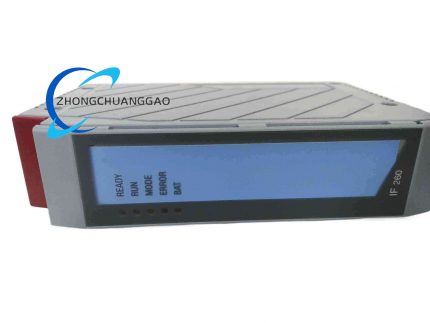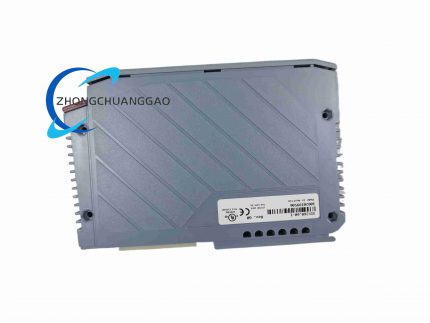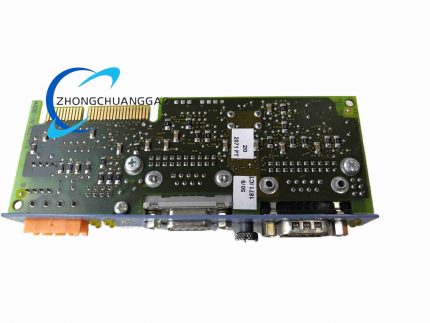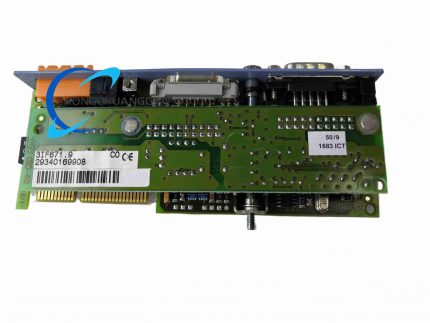

B&R 5PP320

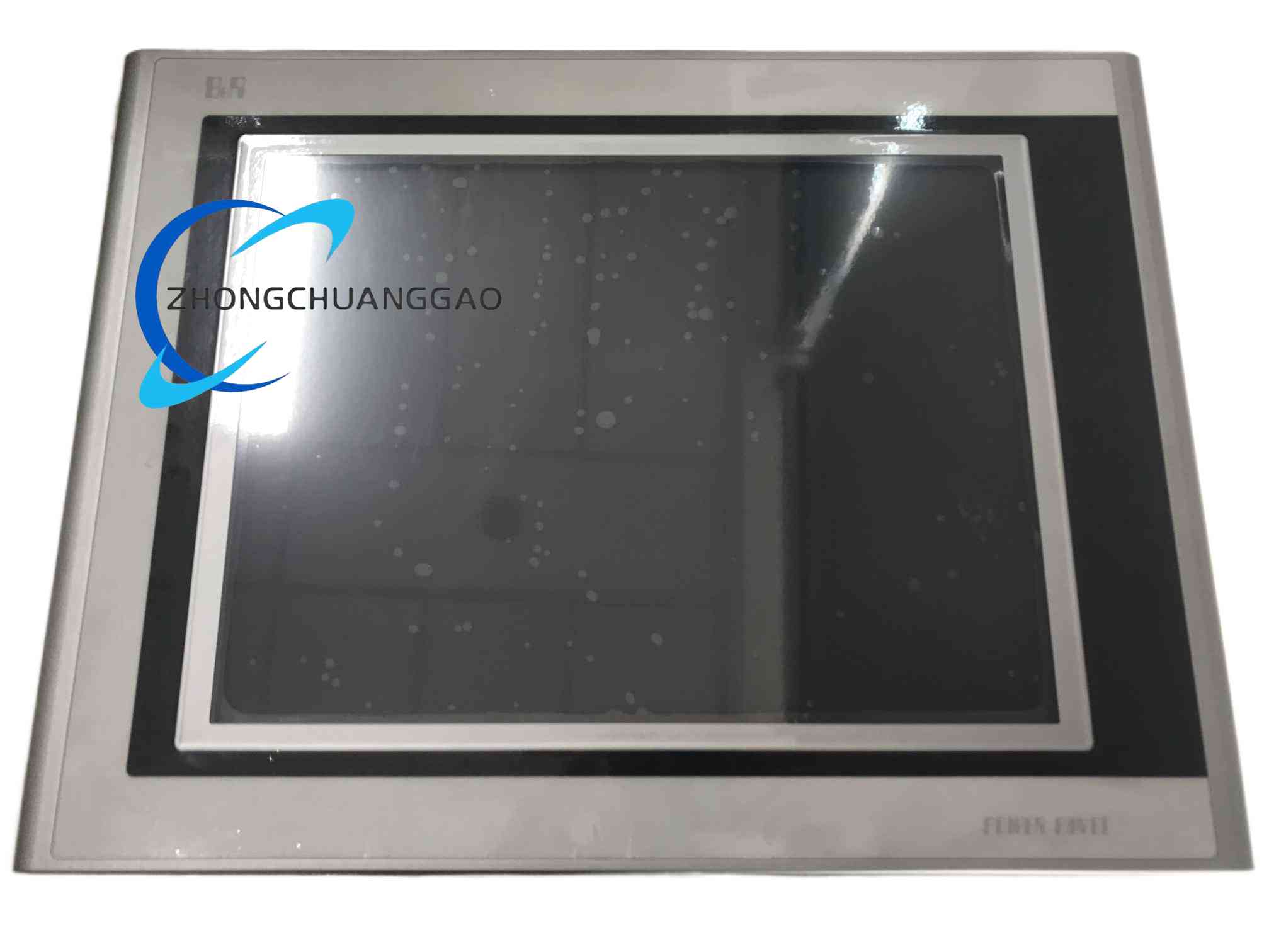
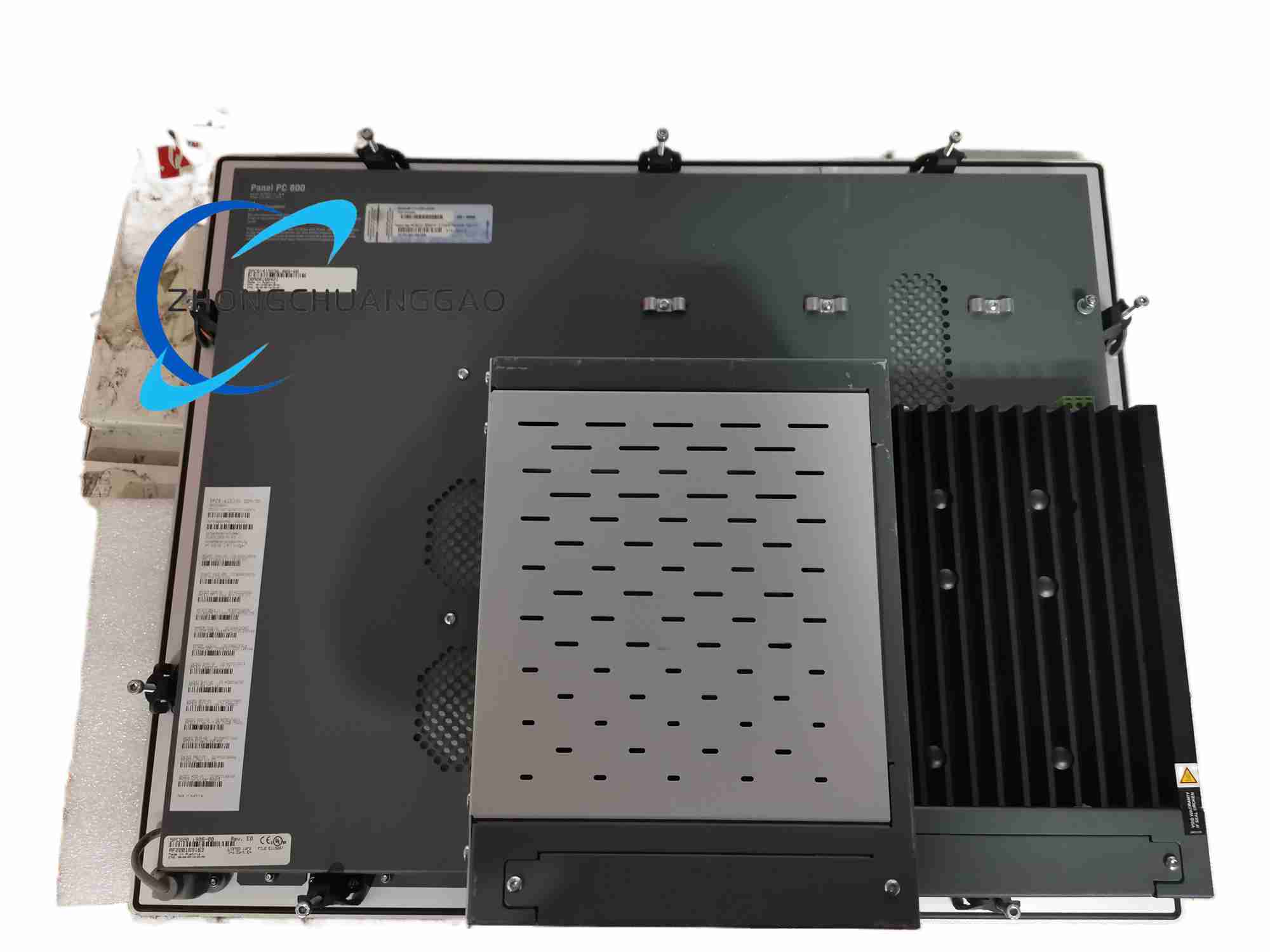
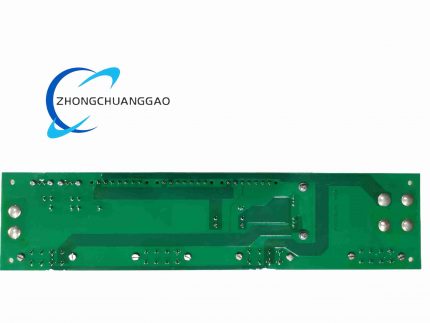
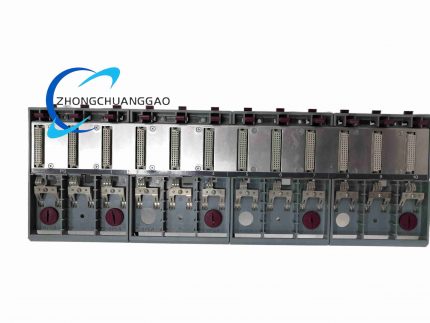
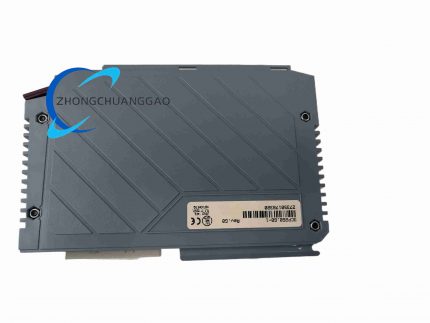
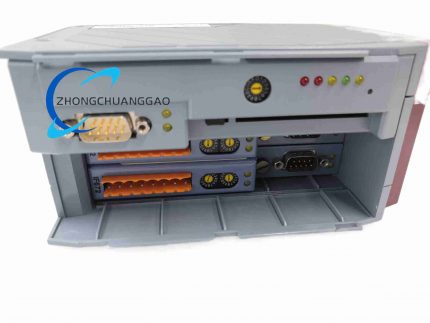
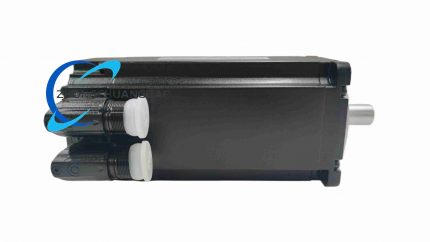
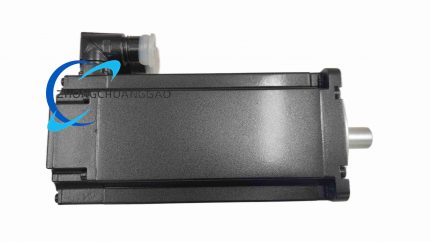
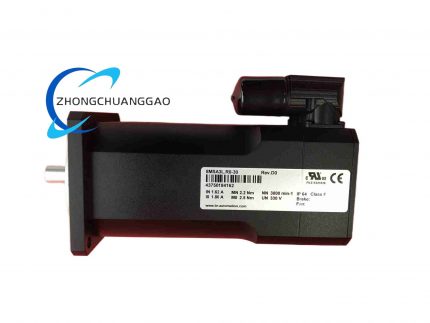
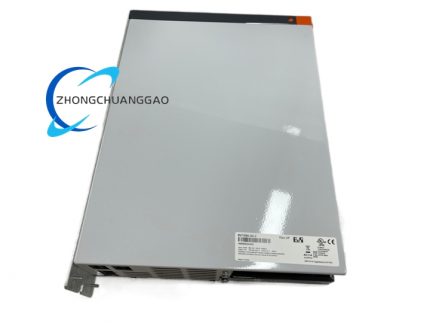
Product Name: B&R 5PP320 Power Panel HMI Display Unit Product Description: Compact panel‑mount human‑machine interface device. Realizes touch‑screen operation and process visualization for B&R automation system, used for equipment parameter adjustment, status monitoring and alarm message display for production machinery.

Category:
Description

Technical Specifications:

  • Display Type: TFT‑LCD color display
  • Input Interface: Resistive touch‑screen
  • Power Supply: 24 VDC industrial power
  • Communication Interface: Industrial Ethernet port
  • Front‑side Protection Rating: IP65
  • Rear‑side Protection Rating: IP20
  • Operating Temperature: 0 °C to +50 °C
  • Storage Temperature: −20 °C to +70 °C Functional Features:
  • Resistive touch input for control command and parameter entry
  • Color graphic display for process value, status screen and alarm message
  • Compatible with B&R Automation Studio HMI project configuration
  • LED indicator for power supply and system fault alarm
  • Local recipe‑data storage function
  • Real‑time data interaction with B&R PLC and drive modules via Ethernet Application Scenarios:
  • Small and medium‑size processing machinery
  • Packaging equipment and conveyor automation station
  • Plastic‑processing auxiliary machinery
  • Food and beverage production machines
  • Retrofit replacement for installed B&R HMI units Performance Parameters:
  • Industrial indoor‑environment display brightness
  • Touch‑screen mechanical service life rating
  • Real‑time visualization data update response speed Material Composition:
  • Front‑panel frame: Die‑cast aluminum alloy
  • Touch overlay: Resistive touch film with protective surface
  • Rear housing: Reinforced flame‑retardant engineering plastic
  • Internal circuit: Industrial‑grade HMI mainboard PCB Structural Characteristics:
  • Machine panel cut‑out mounting structure
  • Equipped with sealing gasket for front‑face IP65 protection
  • Rear‑side wiring compartment for power and communication connectors
  • Shallow depth design for limited installation space Working Principle: HMI firmware executes visualization project downloaded from Automation Studio. Process variables read from controller through industrial Ethernet, graphics and numerical value output to LCD screen. Resistive touch‑screen converts touch position into operation command and transmits back to automation controller. Installation Requirements:
  • Embed unit into machine panel cut‑out, fasten with original mounting clamps
  • Install front‑panel sealing gasket correctly to realize IP65 performance
  • Connect SELV‑rated 24 VDC power supply
  • Lay Ethernet cable comply with EMC wiring suggestion
  • Reserve rear‑side clearance for heat dissipation Usage Precautions:
  • Do not use sharp pointed objects operate resistive touch screen
  • Avoid aggressive chemical solvent clean front‑panel surface
  • Confirm HMI firmware version match Automation Studio project
  • Do not apply over‑torque on panel‑mount clamping fixtures
  • Disconnect power supply before open rear‑side wiring compartment
Reviews (0)

Reviews

There are no reviews yet.

Be the first to review “B&R 5PP320”

Your email address will not be published. Required fields are marked *

Shipping and Delivery

MAECENAS IACULIS

Vestibulum curae torquent diam diam commodo parturient penatibus nunc dui adipiscing convallis bulum parturient suspendisse parturient a.Parturient in parturient scelerisque nibh lectus quam a natoque adipiscing a vestibulum hendrerit et pharetra fames nunc natoque dui.

ADIPISCING CONVALLIS BULUM

  • Vestibulum penatibus nunc dui adipiscing convallis bulum parturient suspendisse.
  • Abitur parturient praesent lectus quam a natoque adipiscing a vestibulum hendre.
  • Diam parturient dictumst parturient scelerisque nibh lectus.

Scelerisque adipiscing bibendum sem vestibulum et in a a a purus lectus faucibus lobortis tincidunt purus lectus nisl class eros.Condimentum a et ullamcorper dictumst mus et tristique elementum nam inceptos hac parturient scelerisque vestibulum amet elit ut volutpat.